🍪 We use cookies according to our Privacy Policy to ensure that we give you the best experience on our website.
By clicking "Accept All," you consent to our use of cookies.
Accept all


Build and tweak rosters, see who’s clocked in, and approve timesheets and shift swaps — all from your phone.
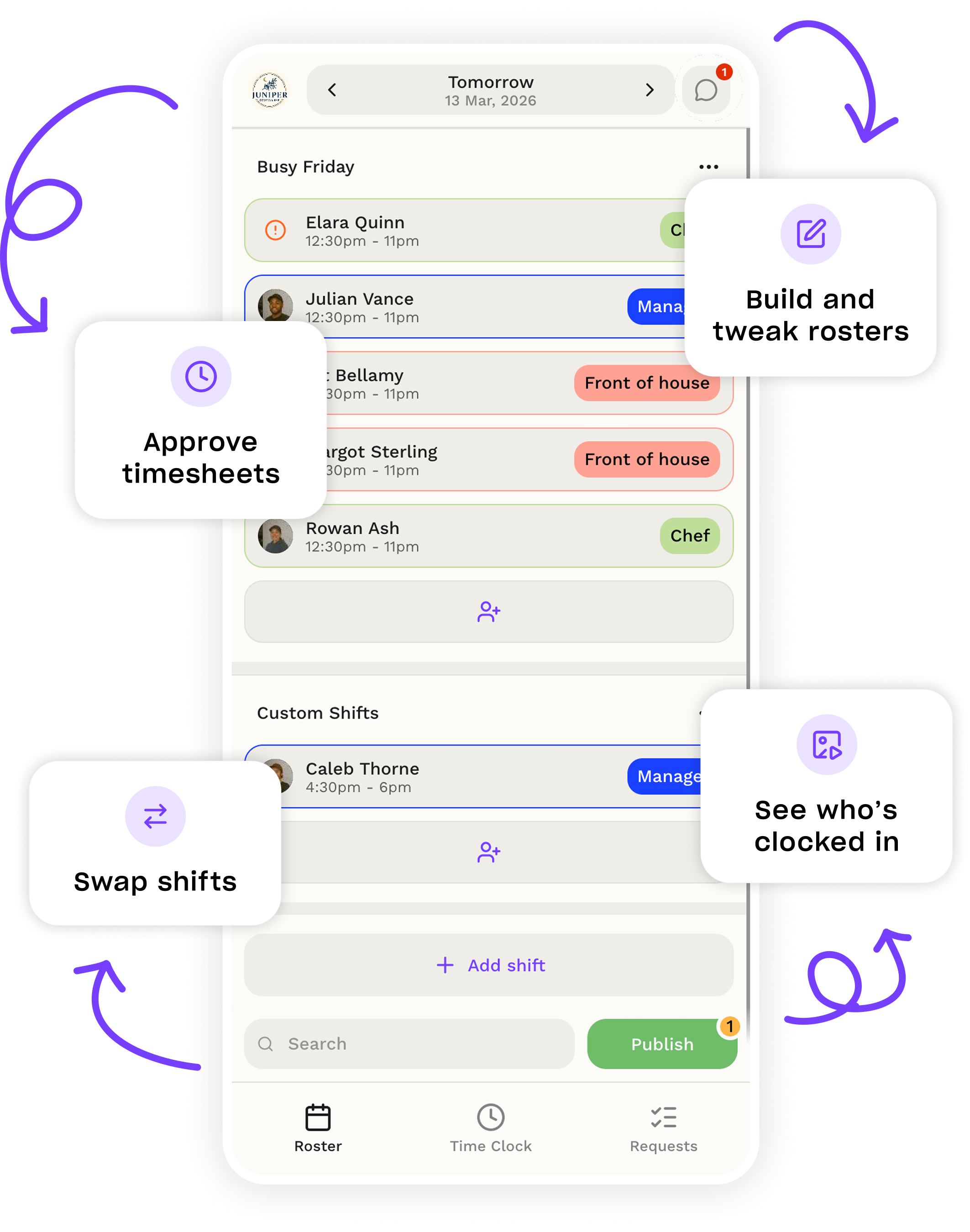
Managers and employees. One app for everyone, with separate access based on your role so you only see what you need.
The Droppah app is designed for iOS and Android, on mobile and tablet.
Yes, you can use Droppah on your desktop, the mobile app, or both. They stay in sync in real-time, so you can switch back and forth or just stick to the platform that works best for you.
Mobile App: quick actions and on-the-go updates.
Desktop: deeper setup and full visibility.
No, access is based on your role.
Managers will be able to:
Employees will be able to:
Employees will also receive a notification if their roster changes.
The Droppah app and Timeclock app are built for different purposes:
The mobile app is part of your Droppah plan (available on both free and paid plans). There are no additional costs beyond your existing Droppah subscription.
Yes, you can build, edit, and share rosters from the Droppah app.
Yes, you can get started directly from your phone through the Droppah app; create your account, set up your team, and start building rosters.
Yes, you can manage all of your teams and venues from the app.
More questions?
Talk to sales“Rostering used to be a laborious process. Now with Droppah, we can change the roster in real-time and the sign-in process is instant.”

1154 Pastaria


A product by


